


|
|
|||
 |
|||
| Log In | |||
|
|||
|
|||
|
| |||
|
|||
| |||
|
|||
|
| |||
|
|||
| |||
|
|||
| |||


PicoScope oscilloscope software has the ability to store more than one waveform in its waveform buffer. Depending on the settings you have chosen, PicoScope can store from 1 to 1000 waveforms in its buffer. When you click the Start button or change a capture setting, PicoScope clears the buffer and then adds a new waveform to it every time the oscilloscope captures data. This continues until the buffer is full or you click the Stop button. Once you have stopped capturing data, you can then review each captured waveform to find the event you want. You can also save the whole buffer and examine it at a later date. 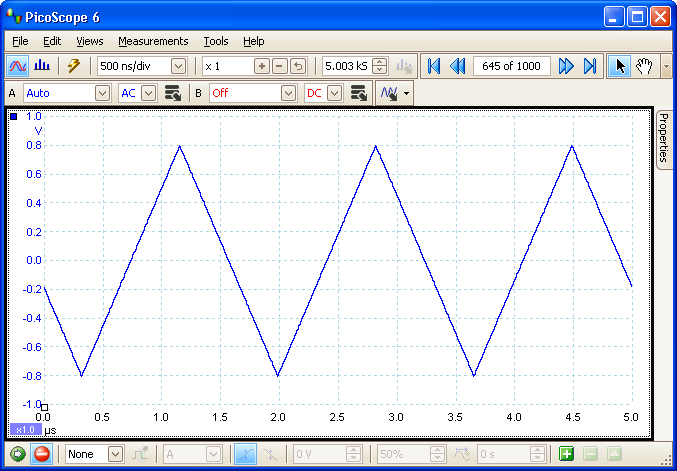
Figure 1: Screen capture showing waveform 645 of 1000
|
|||||||||

 |
 |
|||
|
|
|
 |